Single Computer
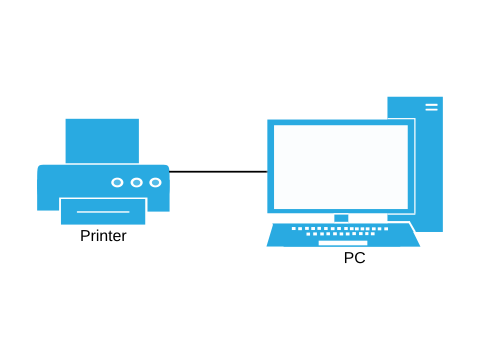
In this scenario there is a single computer in use within the company. Individual users can have their own accounts on the computer
Workgroup
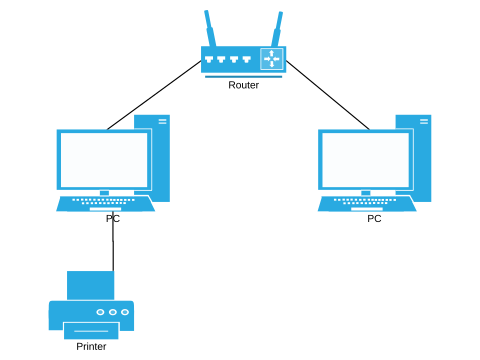
As the workforce increases, then the company might need to buy additional computers - but providing each computer with a printer (for example) can prove expensive, so in this scenario, a resource can be shared within the workgroup.
A PC on this network can share its resources to other machines on the network - so other users can all print to the same printer. Modern printing devices can provide that network sharing without the need for a machine within the workgroup to share a resource. Where a device is being shared by a workgroup computer, it is worth noting that if that machine is switched off, then that resource is no longer accessible to the other machines in the workgroup.
Domain
The biggest issue with the Workgroup model is that the user accounts are stored on each machine. If you need to use a different machine, then you will need an account on that machine, and that is a job for an Administrator to set up that account with appropriate security.
The Domain model instead allows the company to register each machine that it operates, and store the account passwords centrally.
Adding a new user can now be done centrally, and that user can now log onto any machine that the company manages within it's domain.